ChessLIT
A local-only AI Game Review companion for chess.com
Choose between standard Stockfish or Google's local Gemini Nano AI via WebGPU. Supports both AI and non-AI review.
Made by NubPlayz
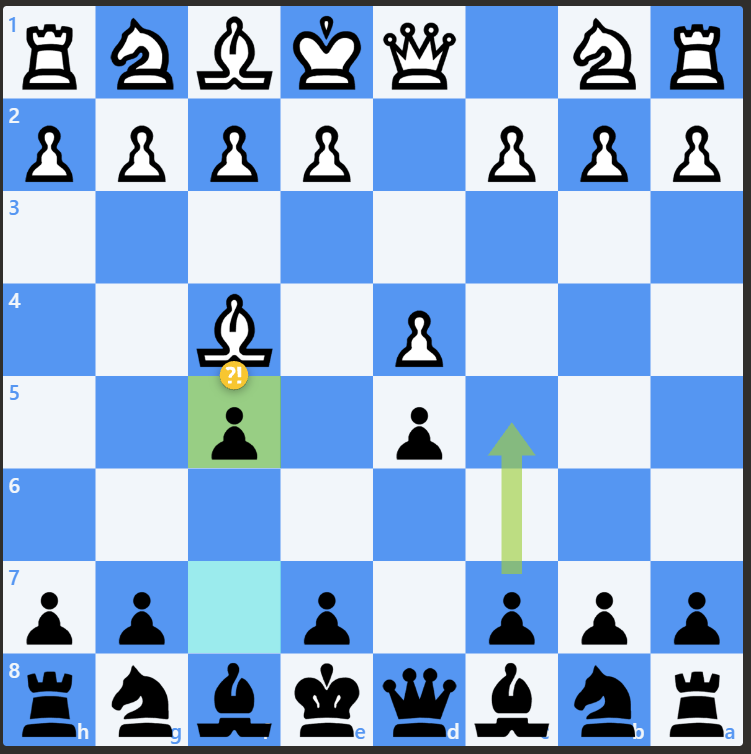
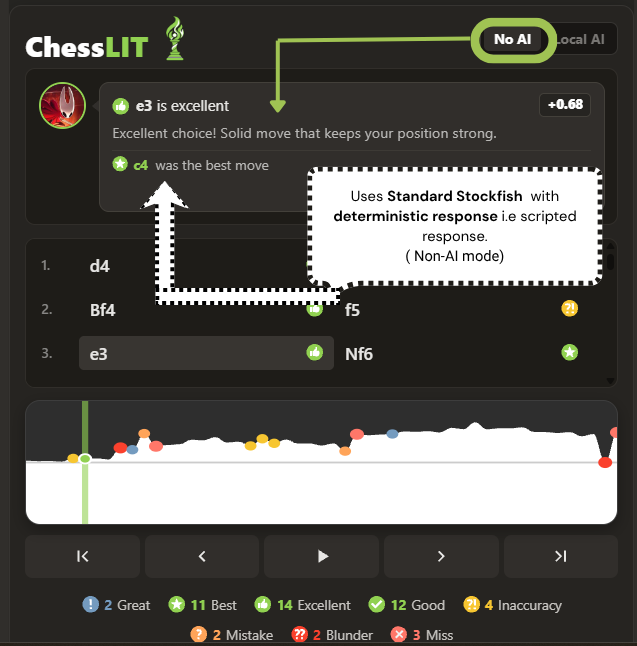
Uses Standard Stockfish with deterministic response i.e scripted response to provide feedback and review.
It Analyzes the complete game in a single pass using Stockfish 18 WASM and caches the result temporarily so opening the review again can load the review almost instantly without running it again.
Provides move classifications, best-move suggestions, evaluation changes, and rule-based feedback based on the engine review.
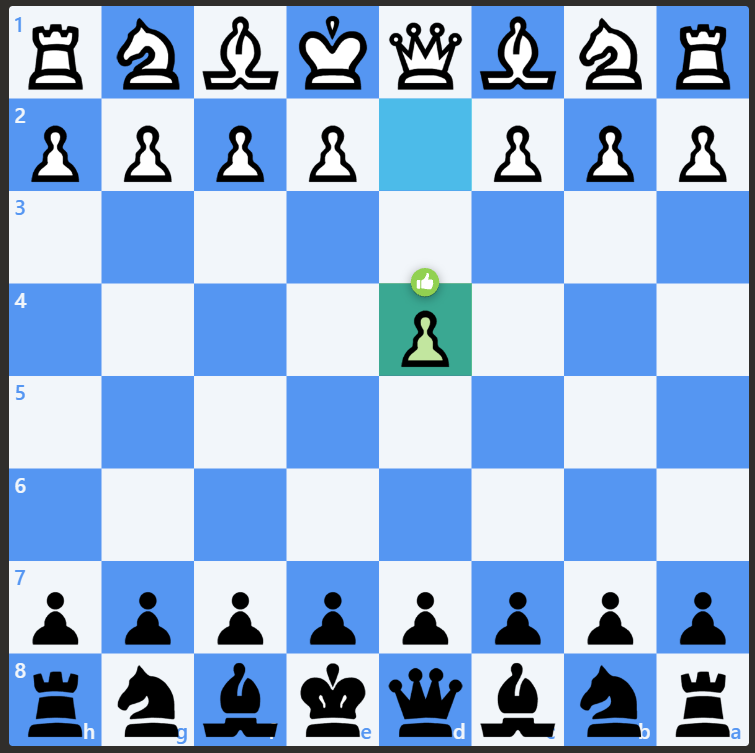
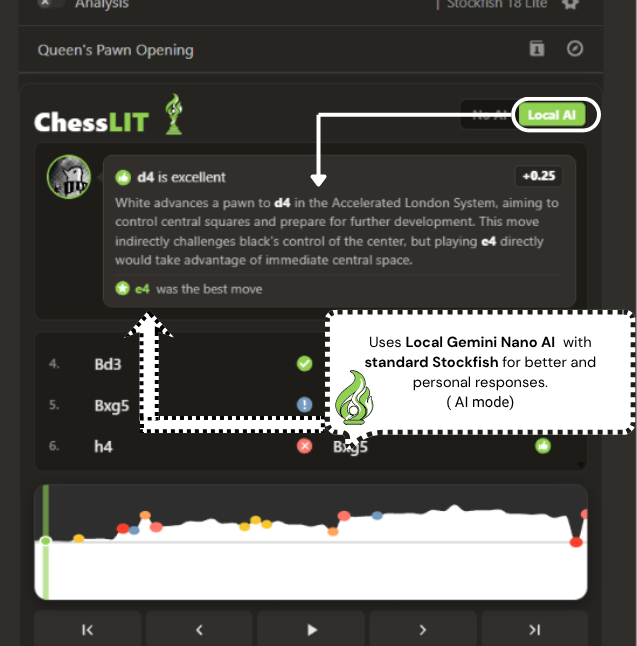
Uses Local Gemini Nano AI review with standard Stockfish review for better and personal responses.
Runs Gemini Nano directly on your device through Chrome's built-in Prompt API, keeping the review local. Stockfish first provides the move evaluation, best-move review, and board position context, which is then passed to Gemini Nano to generate move-specific review.
AI responses are cached temporarily for each move, so it doesn't resends api calls to ai again & again, hence saving time.
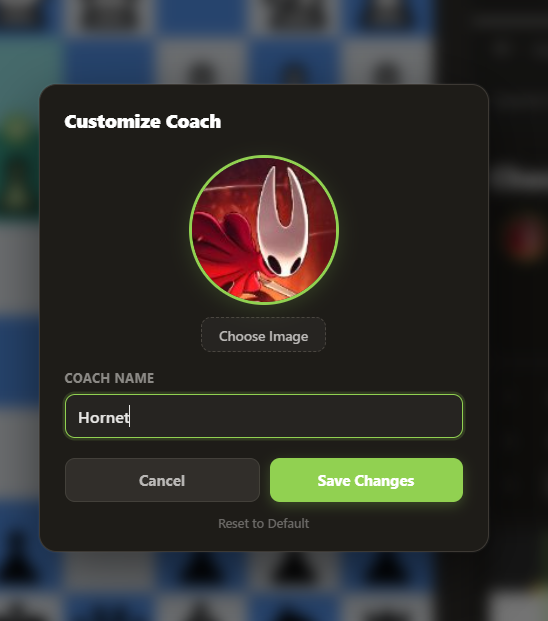
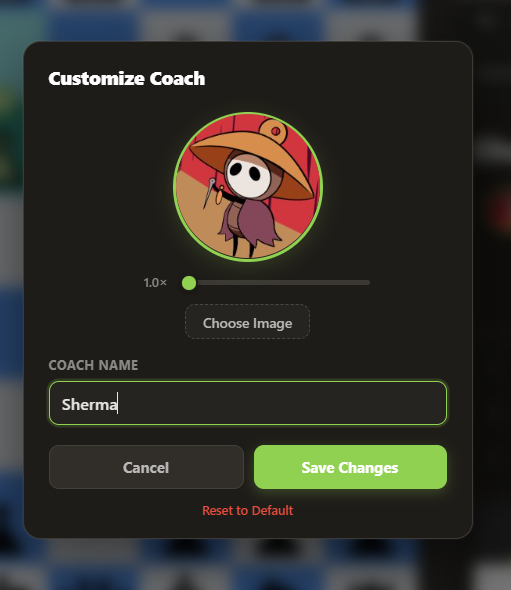
Choose your own coach image and name to personalize your ChessLIT Companion!
Upload an image and use the built-in Canvas API cropper to zoom, reposition the frame and all of this i.e Your coach name and avatar are stored locally using the Chrome Storage API. (chrome.storage.local), so your customization stays on your device and is synced across the ChessLIT review UI.
No image hosting or cloud storage is required.
Getting Started with Gemini Nano
A local-only AI Game Review companion
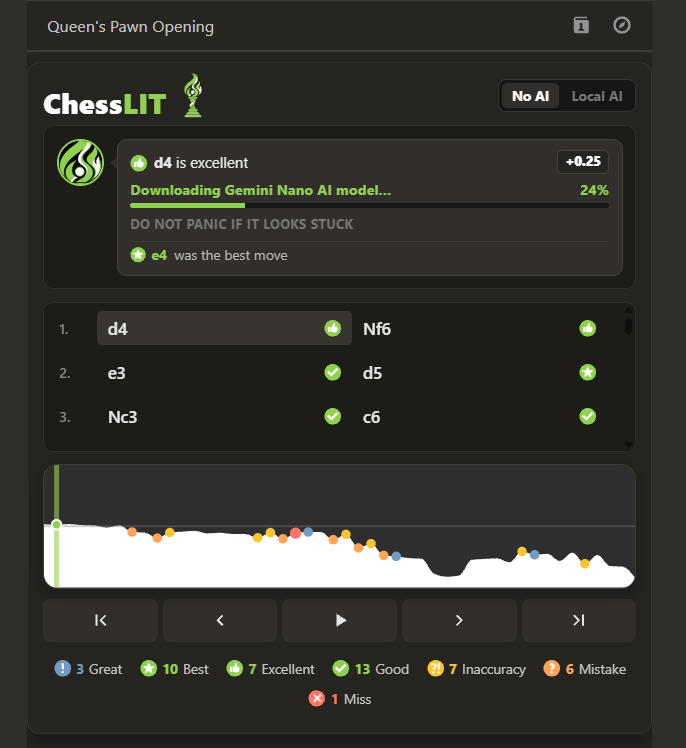
Step 1: Download Initialization
Click on local AI to get the download started.
The Gemini Nano model is downloaded through Chrome's built-in Gemini Nano Prompt API. ChessLIT does not host or serve the model itself.
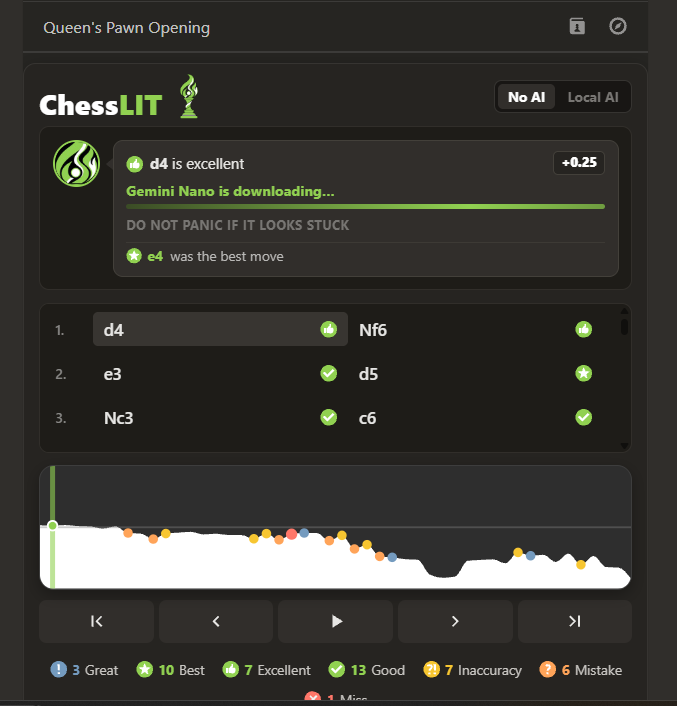
Step 2: Model Installation
DONT PANIC IF IT LOOKS STUCK
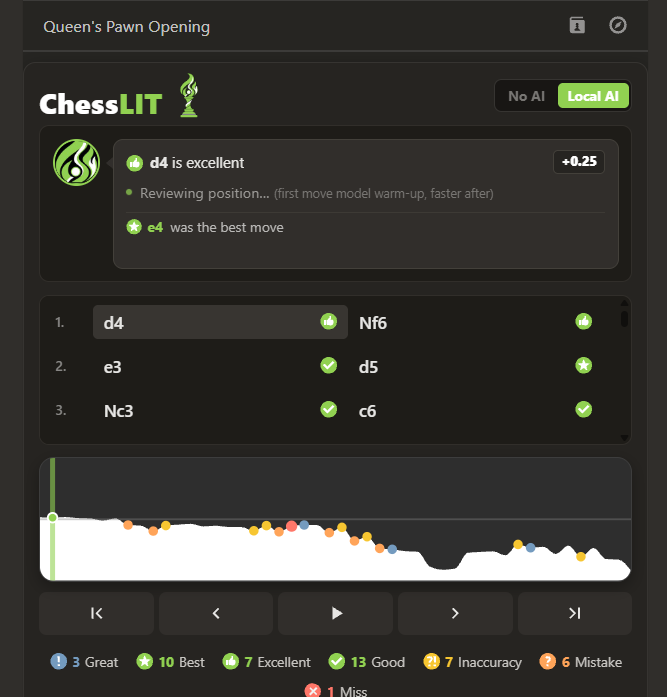
Step 3: Cold Start Warmup
First call is slow. Cold starting Nano takes 1-4 seconds depending on your machine.
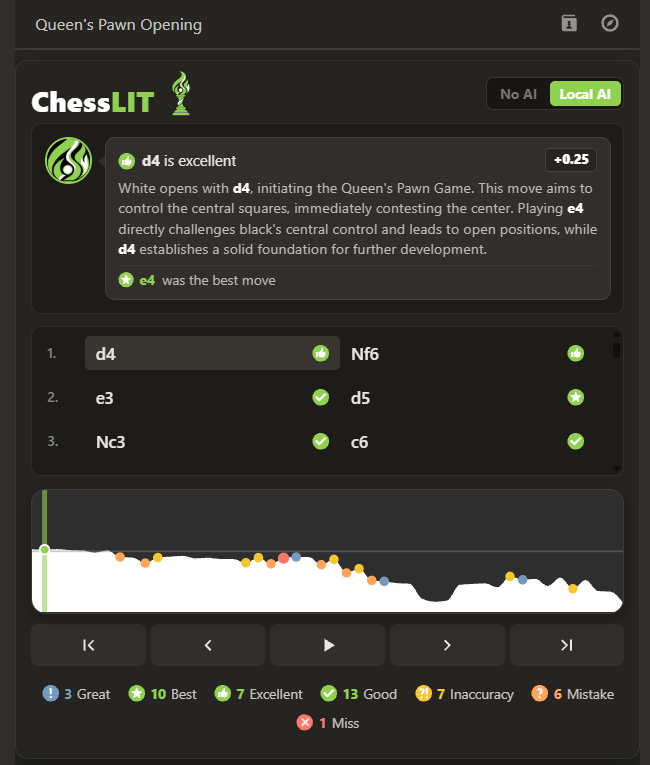
Last Step: Ready & Running
The local model is up and running, with Gemini Nano now adding personalized feedback to your game.
Requirements
Chesslit AI runs Google's Gemini Nano model directly inside your Chrome browser.
AI runs directly on your device locally, so your game data stays private and you don't need any cloud based AI service. That means lower latency and no server-side AI costs.
AI reasons over engine review and verified opening data, and it may occasionally be imprecise. If something looks off, the raw evaluation and best-move data shown elsewhere in the panel are always the ground truth.
AI Mode Requirements:
- Browser: Chrome Desktop 138+ (Windows 10/11, macOS 13+, or Linux). Not supported on mobile or non-Chrome browsers.
- Storage: Approx 4 GB of space for download and at least 22GB free space as Chrome reserves headroom.
- Graphics / CPU: GPU with 4GB+ VRAM, OR 16GB+ RAM with 4+ CPU cores.
- Network: Chrome downloads approximately 4GB of data to install Gemini Nano locally, no internet required afterward.
The requirements above apply exclusively to AI Mode. Devices that do not meet these specifications will still receive full review through Standard Stockfish (Non-AI) Mode.
Chrome downloads and stores the local Gemini Nano model files in this directory on Windows. You can use this path to inspect model files or check disk space usage.
%LOCALAPPDATA%\Google\Chrome\User Data\OptGuideOnDeviceModelWin + R, paste the path above, and press Enter to open the folder in File Explorer.